



Resources












FAQ's
What do I need to do to start fundraising?
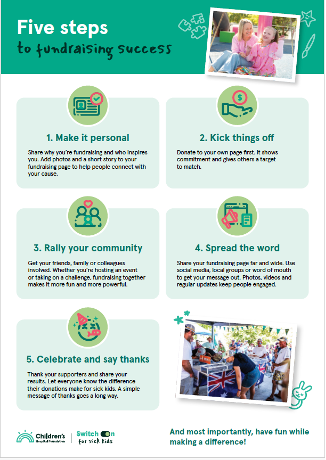
Sign up by registering and setting a fundraising target. Promote your support for the event online through social media and seek donations by sharing your page through your networks.
Where does my donation go?
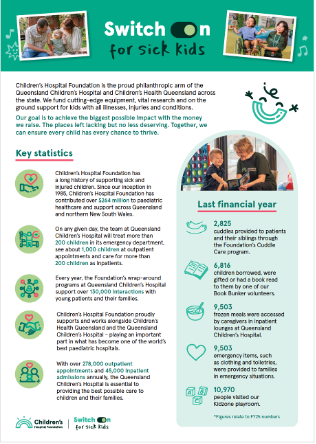
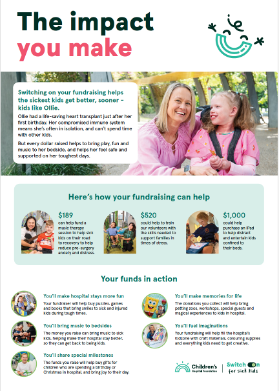
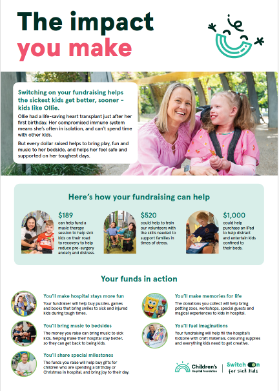
Every dollar raised will work wonders for sick and injured kids by funding vital research, new equipment and providing entertainment and support for children and their families in hospital. Visit the Children's Hospital Foundation website to find out more.
What resources are available for me to use?
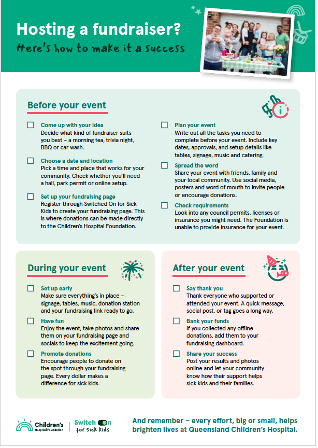
We have a number of resources in development that will be available soon. There are also money tins in the office and a limited number of tap to donate machines and banners we may be able to loan out for short periods in the Brisbane region. Contact the team to chat through your event and how we can support you.
How do I get a copy of the logo to use for my fundraiser?
We have a Community Supporter Logo available for you to use. Please contact the team at fundraise@childrens.org.au once you have set up your online fundraising page so we can send you our guidelines for use.
I have a cash donation. What do I do?
You can add this in through your login page as an offline donation to still recognise your donor/event. You will need to use your bank card to make payment and then hang onto the cash - it is that simple. Alternatively, contact our team and we can provide you with bank account details and a unique reference number so you can transfer into our account.
How do I get a tax deductible receipt?
Donations over $2 are eligible for a tax deductible receipt. After you receive a donation to your page the donor will be automatically emailed a receipt. If you have misplaced this as a donor please use your email address that you used when you donated to access a copy here: https://fundraise.childrens.org.au/login or contact fundraise@childrens.org.au with your details if this function is not working for you.
Got questions? We’re here to help!
Add your details and the team will be in touch.


 fundraise@childrens.org.au
 07 3606 6100
